

Core collection
- Set and minifigure management
- Wishlists and sharing
- Search, filters and details
- Private offline-first storage
BrickDisplay is a LEGO collection tracker for sets, minifigures and wishlists. Keep everything organised in one private, offline-first app, start free and unlock deeper collecting tools with Pro.
iPhone · iPad · Apple silicon Mac · Android


Select a feature and device. Every screen below comes directly from the released app.
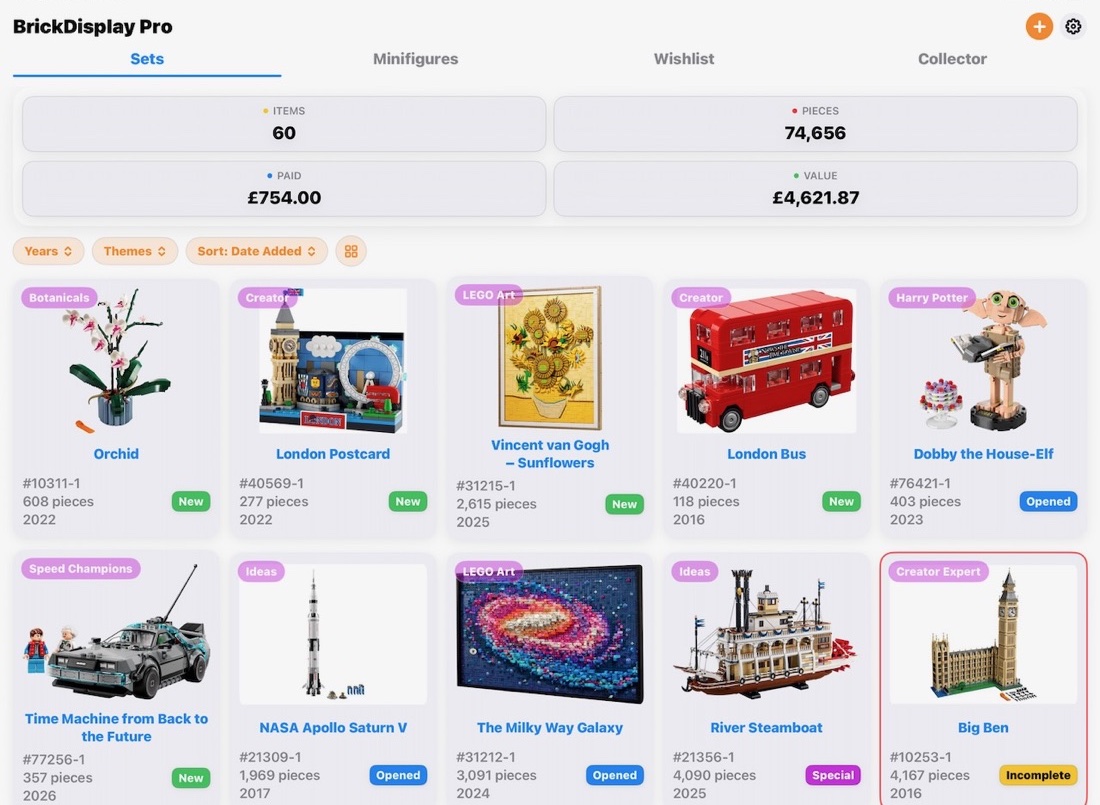
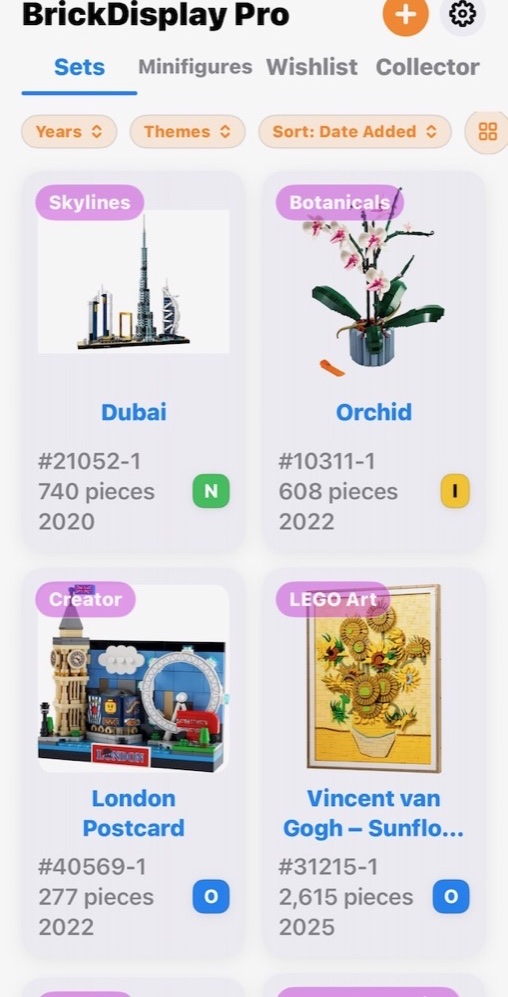
Add sets and minifigures, record condition and quantity, then search, filter and sort the collection.

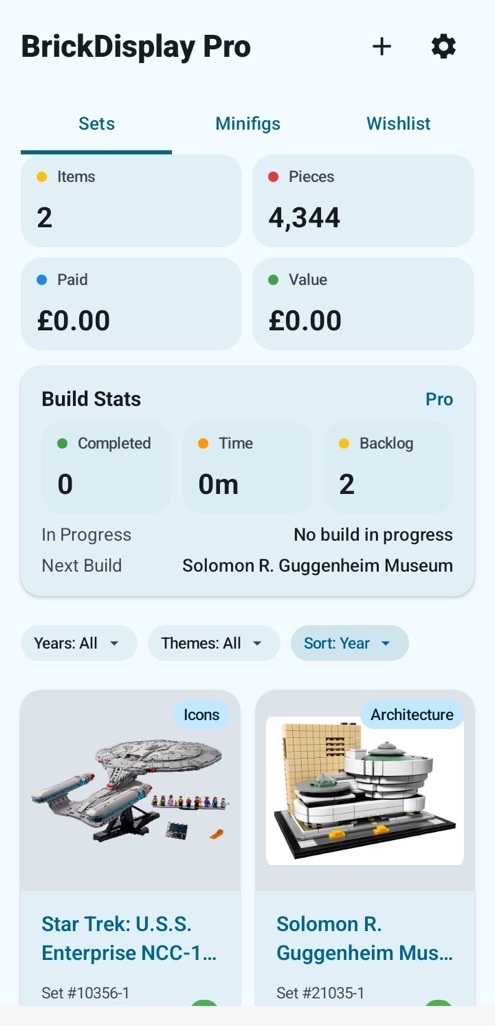
The everyday collection experience is free. Pro is for collectors who want theme goals, build history and portable collection data.
Keep the details that matter close without turning your hobby into admin.
Record sets and minifigures, including quantity and condition, then search, filter and sort them.
Keep a dedicated wishlist, share gift ideas and move new purchases into your collection.
Use Builder+ to follow progress, time sessions and move sets from backlog to built.
Starting from scratch? Read our guide to organising and tracking a LEGO collection.
What to know before you start cataloguing.
Organise LEGO sets and minifigures, record quantities and condition, search and filter your collection, and keep a separate wishlist. Pro adds theme goals, build progress, import and export, and advanced insights.
Yes. Core collection management, minifigures and wishlists are free. BrickDisplay Pro is an optional upgrade for deeper theme and build tracking.
No. BrickDisplay does not require an account and is designed to keep the essential collection experience available offline on your device.
BrickDisplay is available for iPhone, iPad and Android. The iPad version can also run on compatible Apple silicon Macs.
Yes. Add wanted sets to a dedicated wishlist, share it and move a set into your collection when you get it.