See the whole system
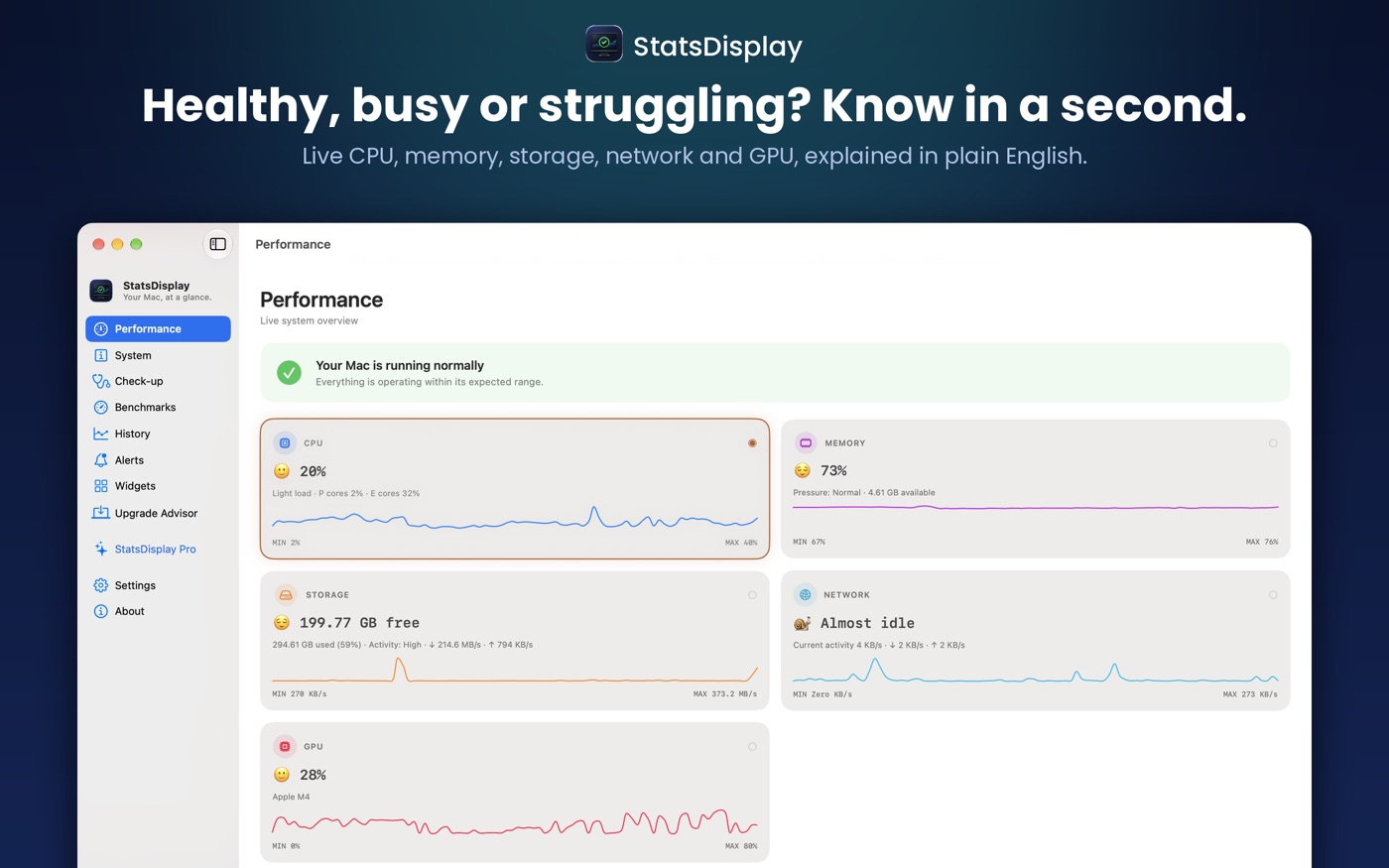
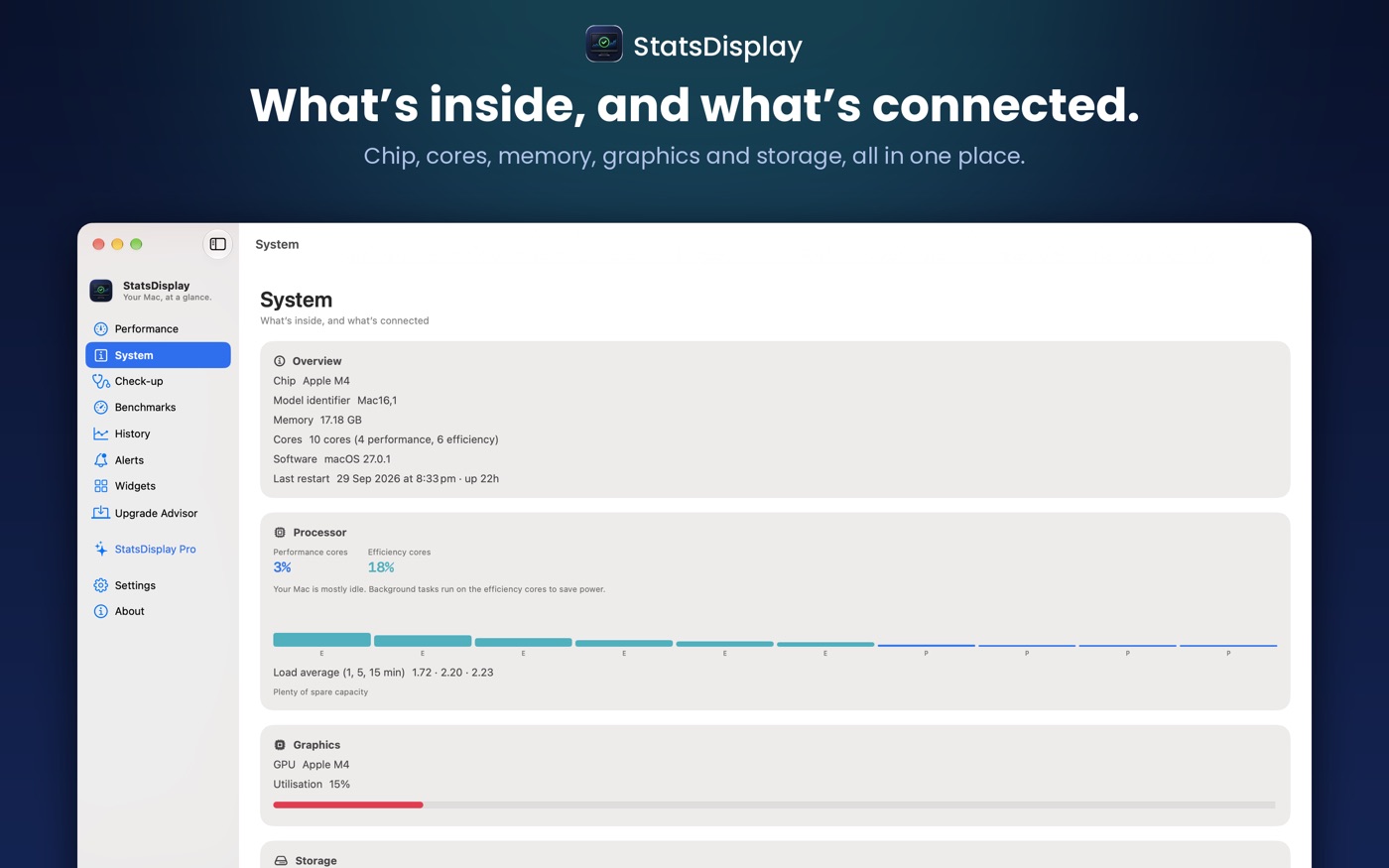
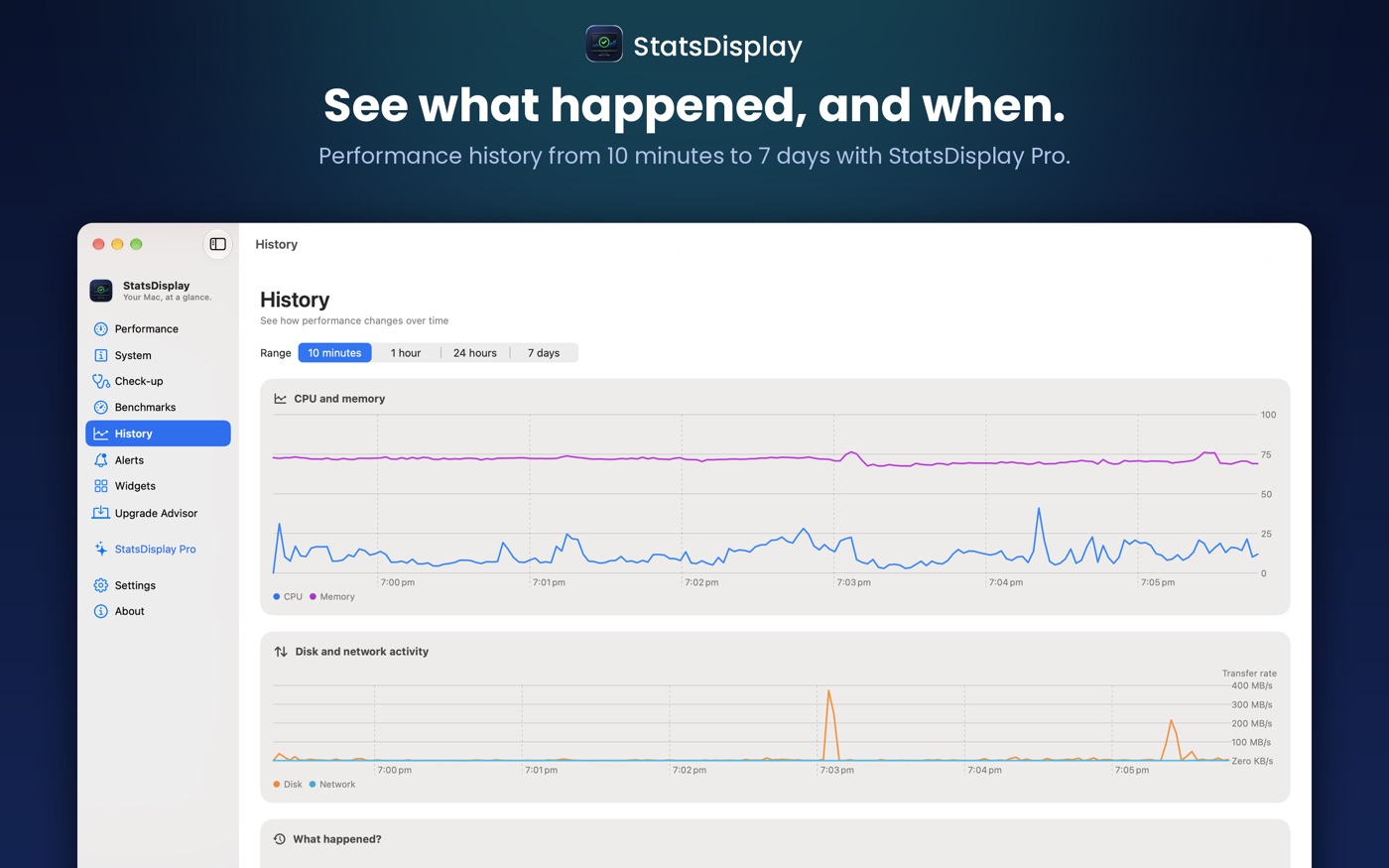
CPU use, memory and memory pressure, storage, network activity, battery on supported Macs and the thermal state reported by macOS.
 StatsDisplayYour performance, at a glance
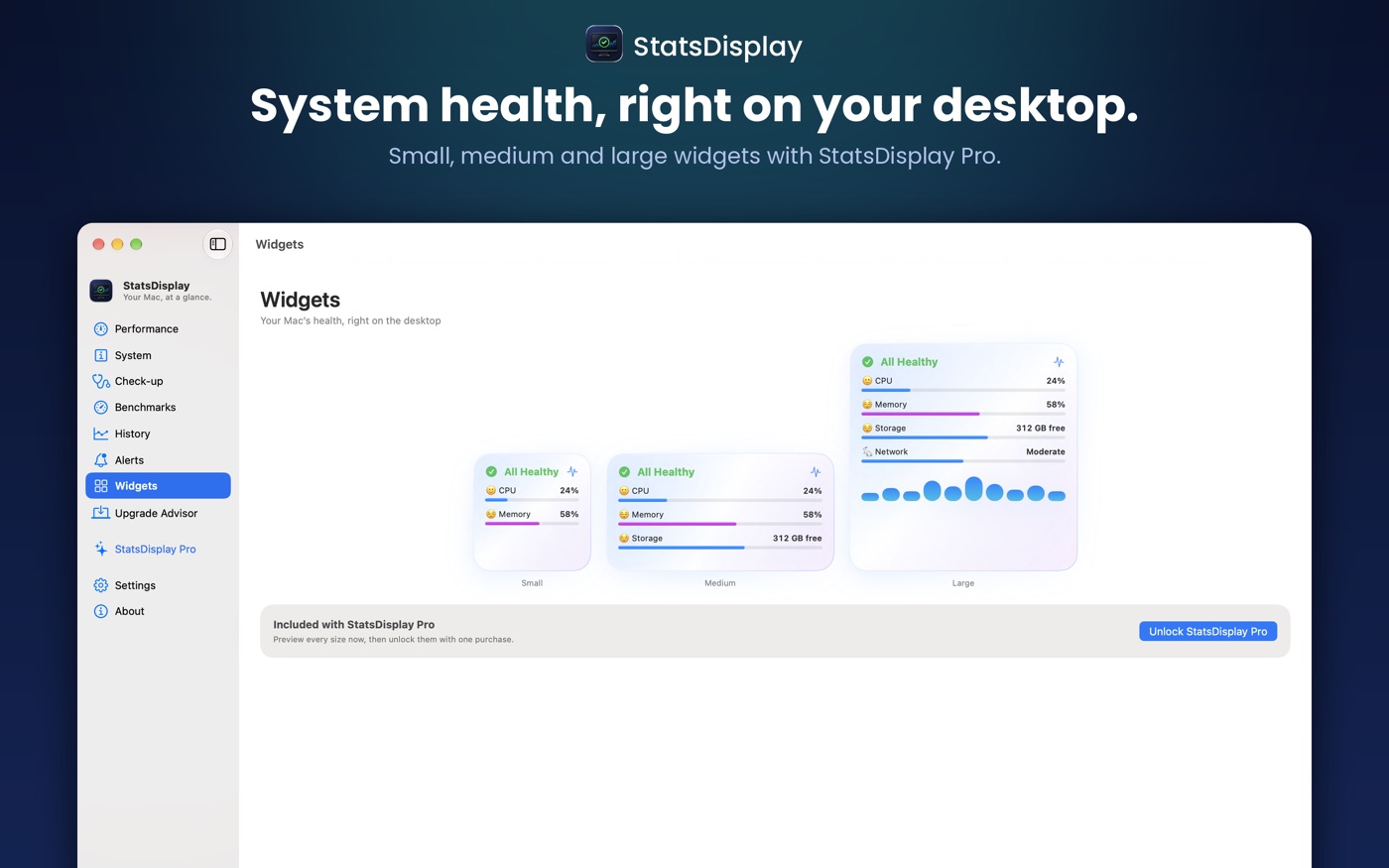
A lightweight menu-bar utility that turns CPU, memory, storage, network and battery information into a clear, calm health summary.
See what matters about your Mac without opening Activity Monitor.
CPU use, memory and memory pressure, storage, network activity, battery on supported Macs and the thermal state reported by macOS.
Clear Healthy, Elevated, Warning and Critical states, with brief spikes treated differently from sustained demand.
A light menu-bar app that gives you the answer quickly, then gets out of your way.
Fewer numbers. More understanding.
StatsDisplay is a menu-bar utility for the Mac.
System information is read and shown on your Mac and is not sent anywhere.