Everything in one view
Add providers, costs, billing cycles and status, then see your real recurring total.
 SubDisplaySubscriptions, made clear
Bring subscriptions, recurring costs and renewal dates into one clean view—before another payment surprises you.
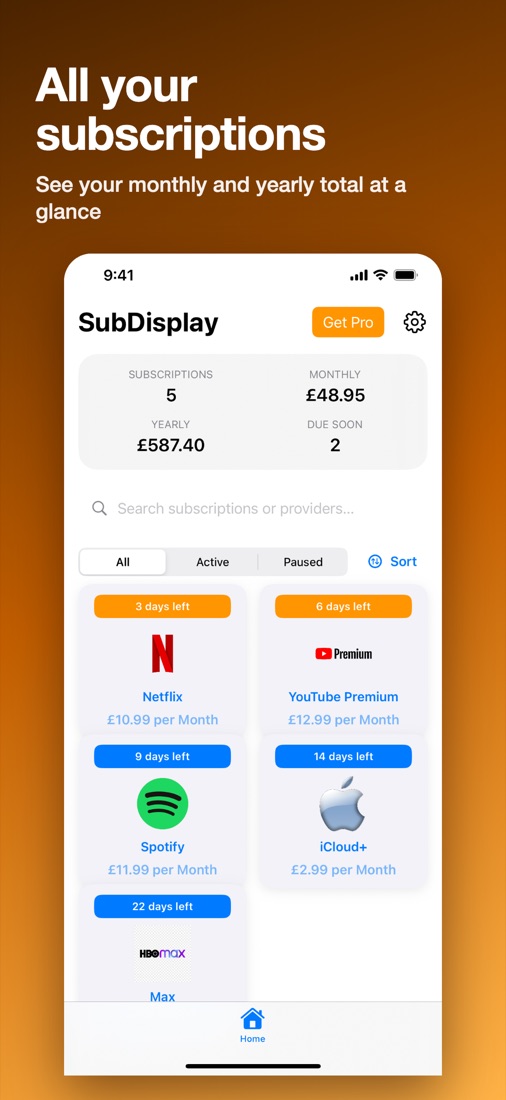
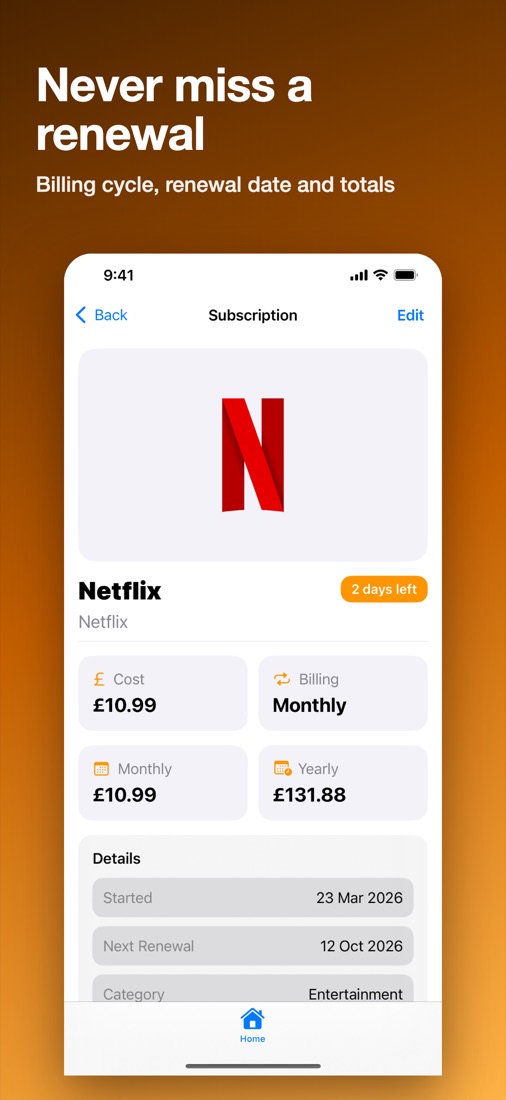
A focused overview of what you pay for, what is active and what is coming up.
Add providers, costs, billing cycles and status, then see your real recurring total.
See upcoming renewals and optional alerts before subscriptions renew or expire.
Make calmer decisions with active and inactive services clearly separated.
No clutter. No surprises. Just a clear view.
Free for up to three subscriptions, with a one-time Pro upgrade.
SubDisplay tracks your subscriptions on your device. Free for up to three subscriptions; Pro is a one-time unlock.
Everything stays on your device. The optional Apple subscription import reads your Apple Music subscriptions on the device only.